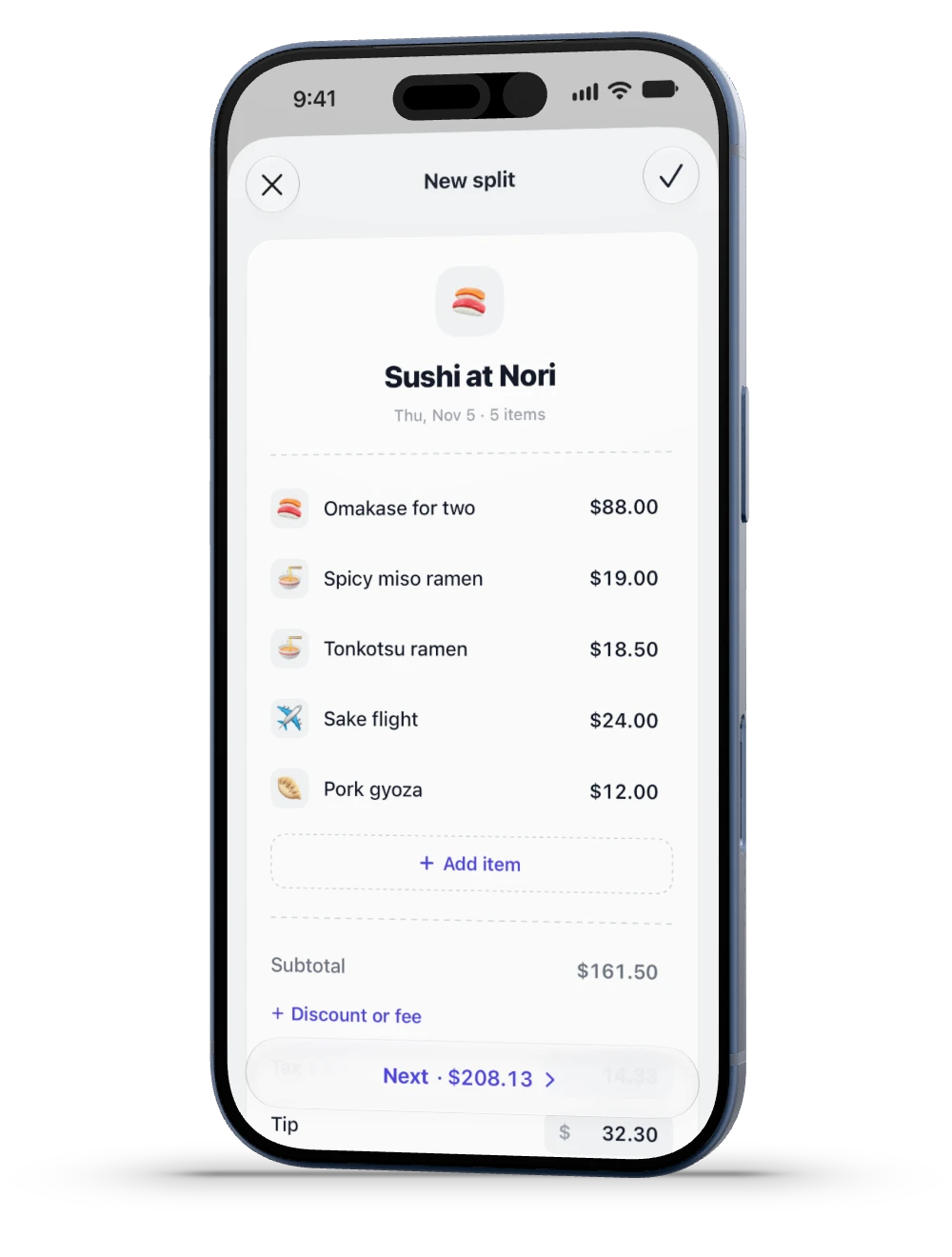
Enter the bill.
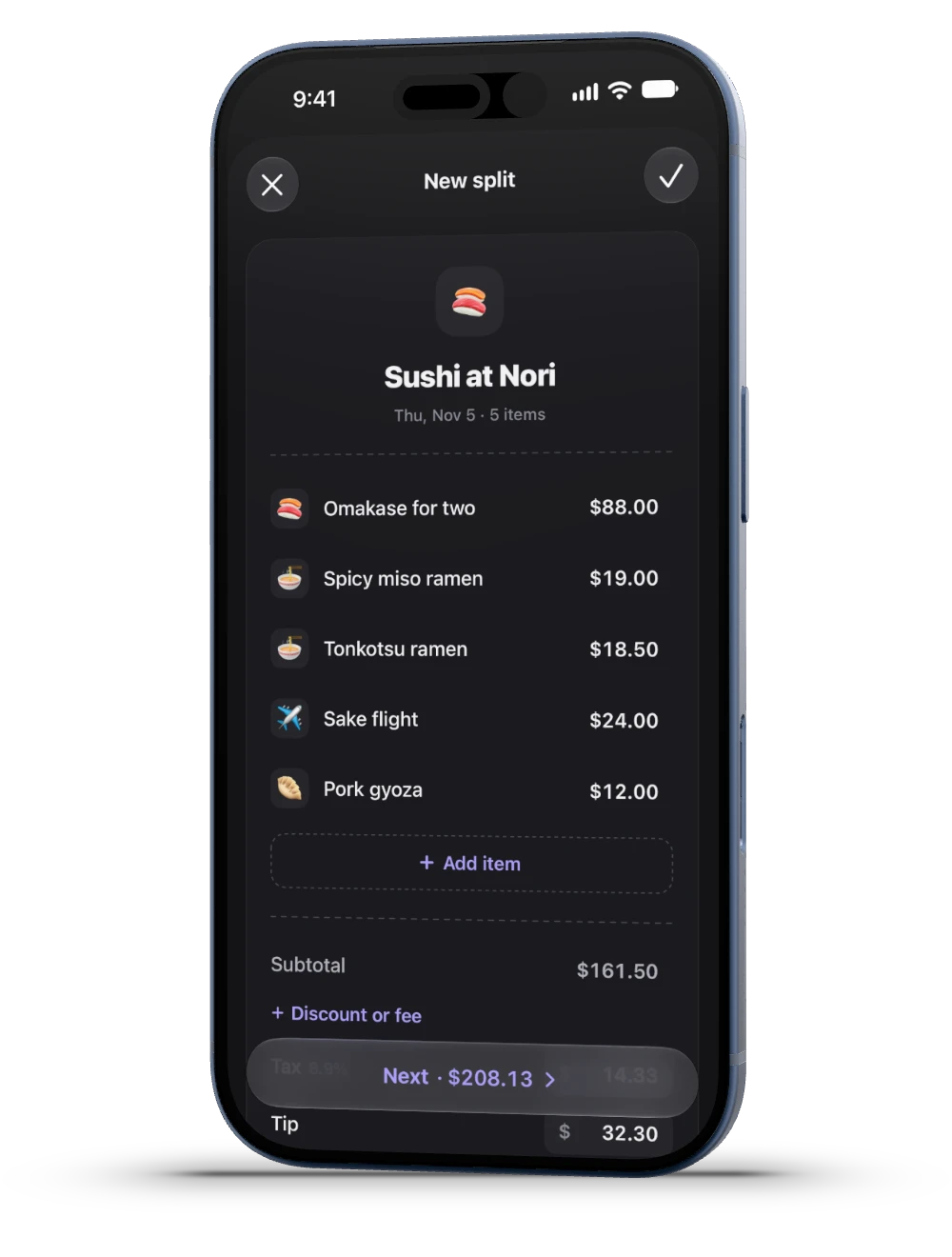
Type each item, or snap the receipt to fill in a draft you check.
 SplitMe
The host sets it up once. Everyone else only taps.
Type each item, or snap the receipt to fill in a draft you check.
A link, a QR code or iMessage. Friends join without the app.
Jordan taps the miso ramen. Sam taps the tonkotsu.
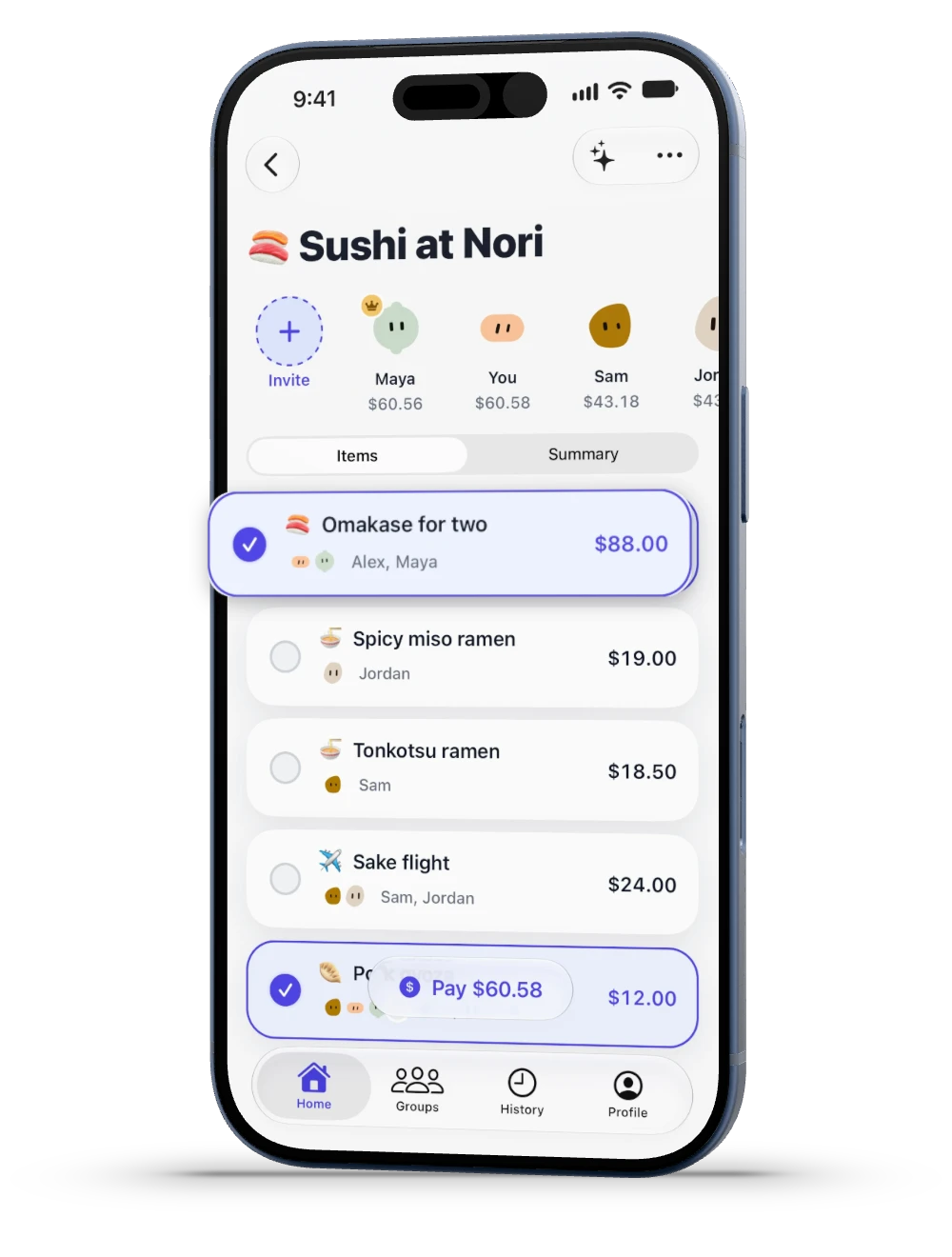
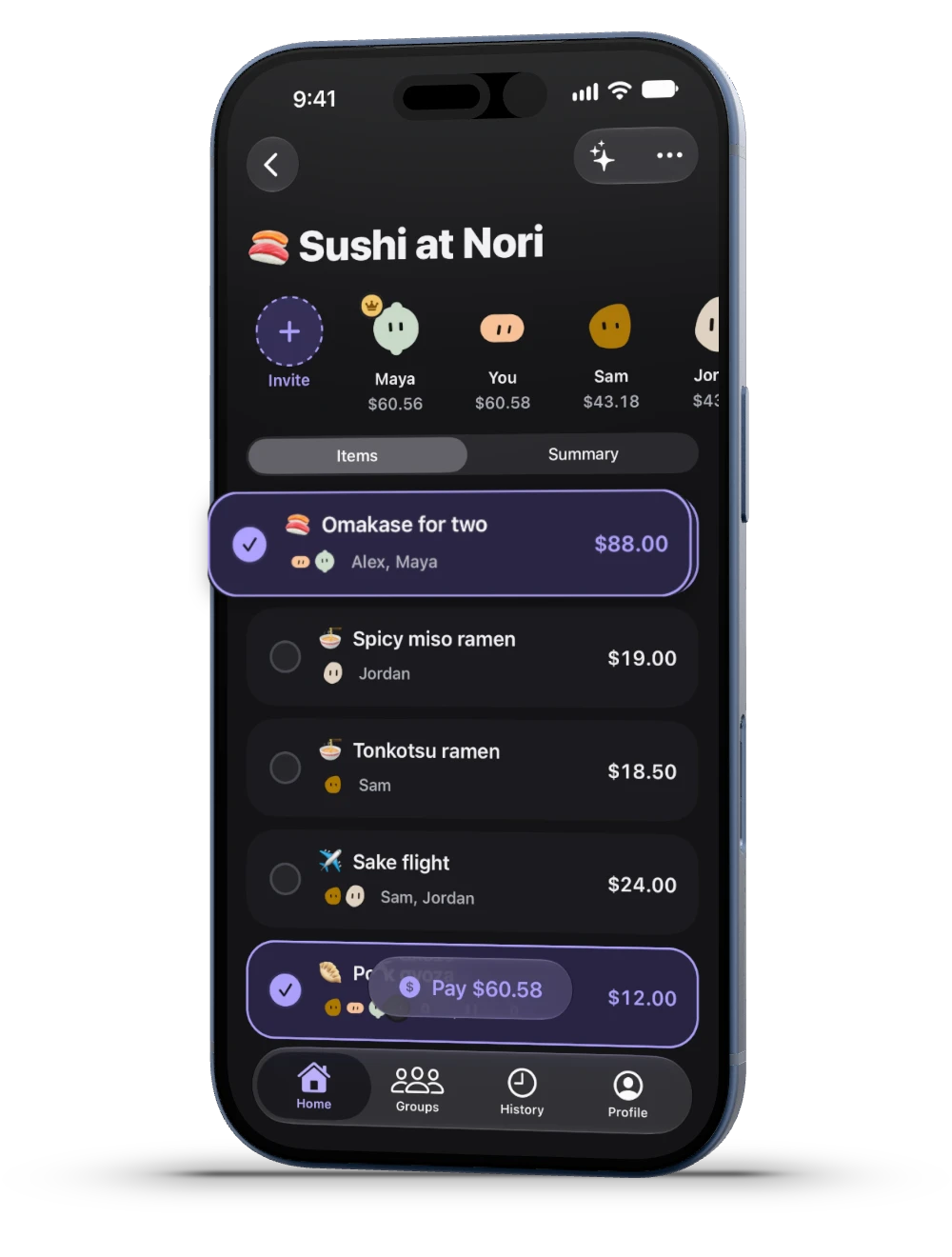
Two on the sake, $12.00 each. Four on the gyoza, $3.00 each.
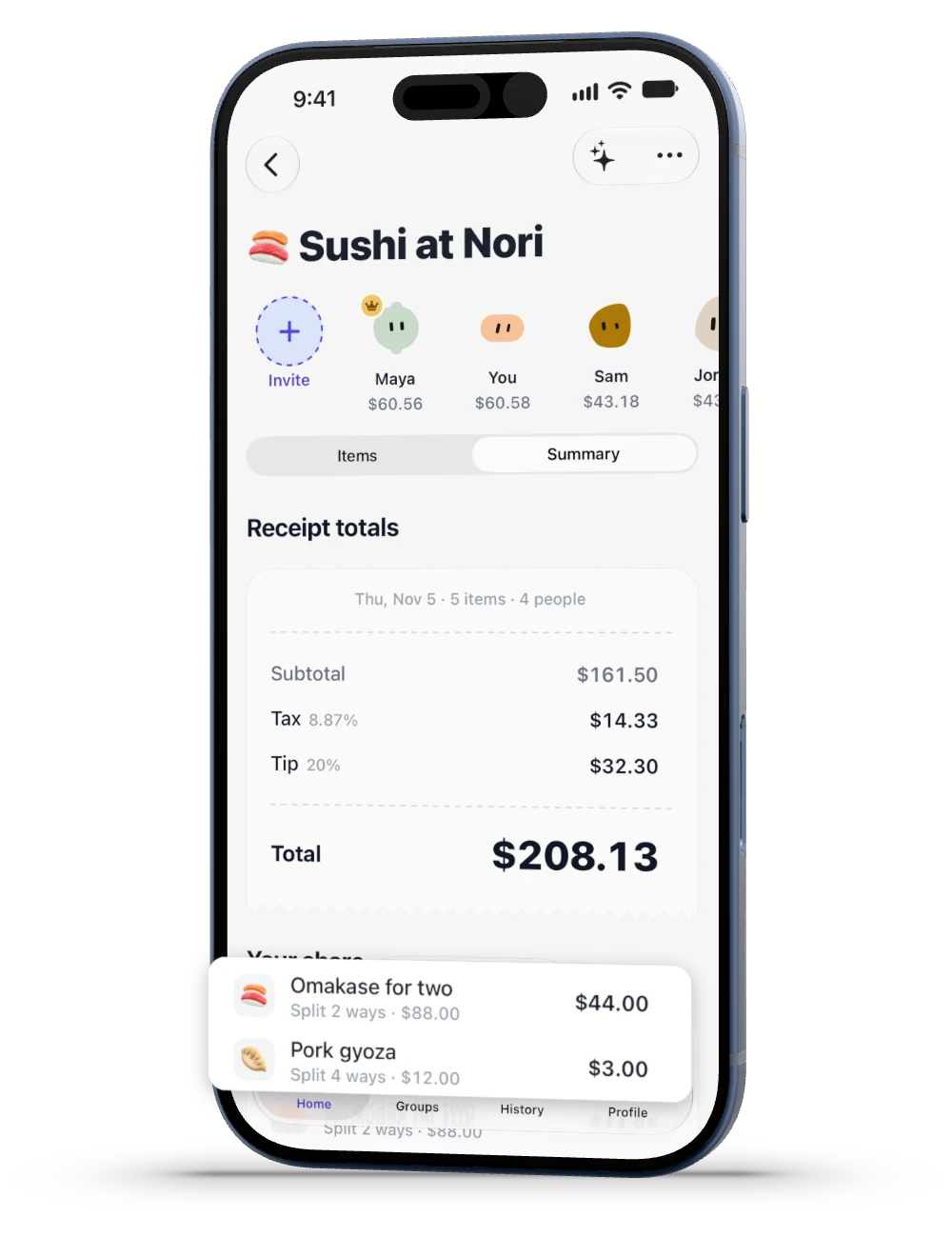
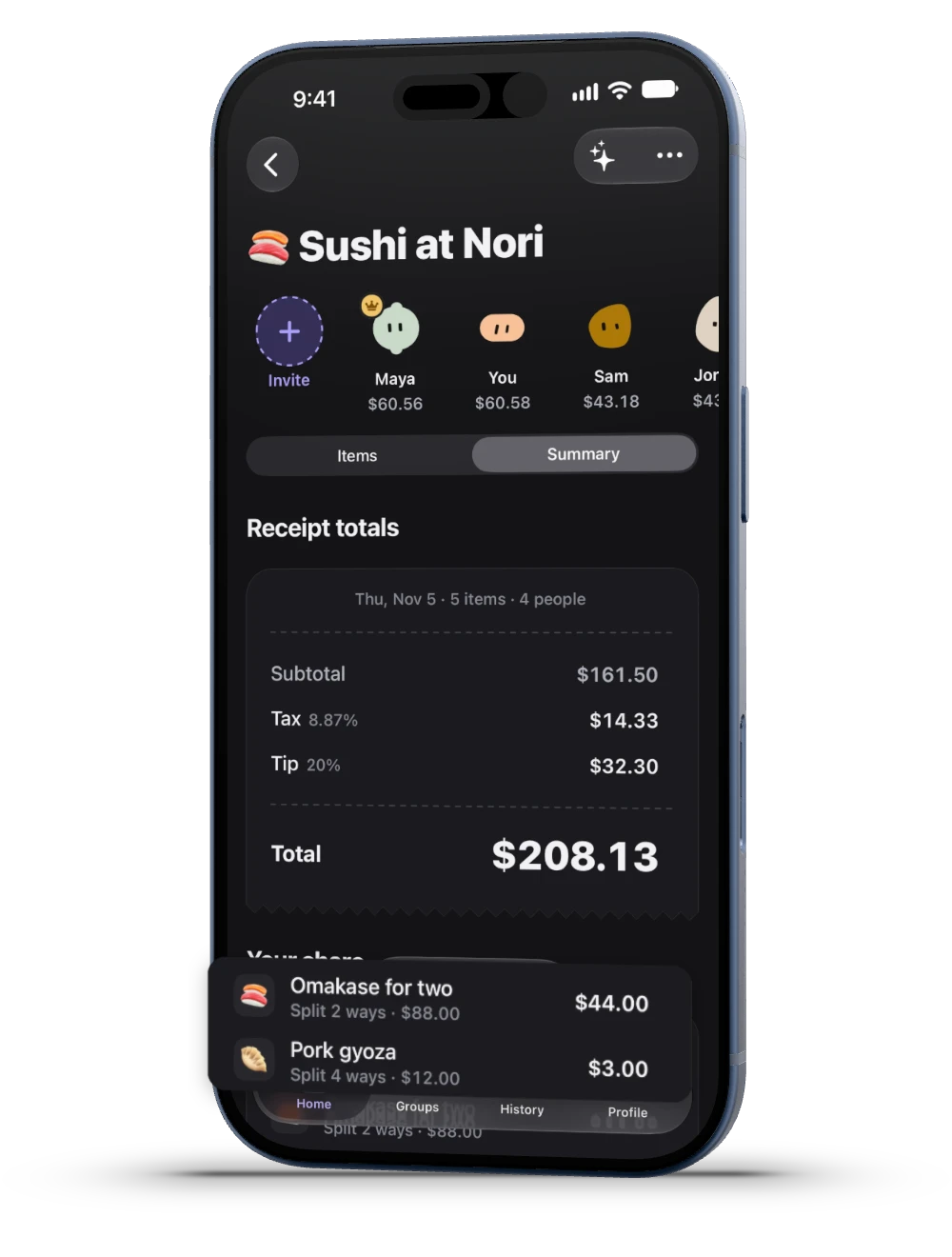
Order more, carry more. Hosts can split the tip evenly instead.
| Who | Food | Tax | Tip | Total |
|---|---|---|---|---|
 You | 47.00 | 4.18 | 9.40 | $60.58 |
 Maya | 47.00 | 4.16 | 9.40 | $60.56 |
 Jordan | 34.00 | 3.01 | 6.80 | $43.81 |
 Sam | 33.50 | 2.98 | 6.70 | $43.18 |
| Bill | 161.50 | 14.33 | 32.30 | $208.13 |
Venmo and Cash App open with your amount filled in.
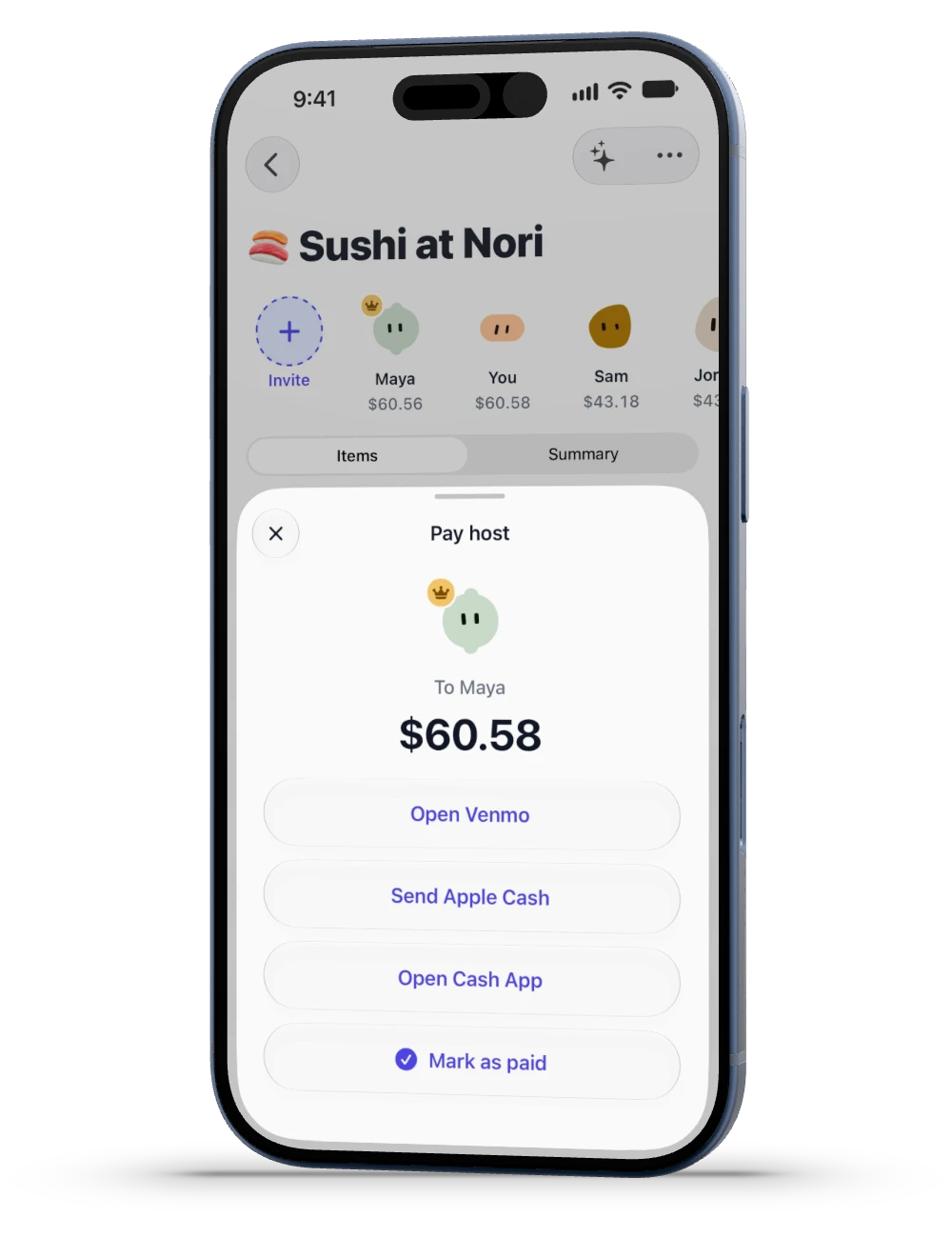
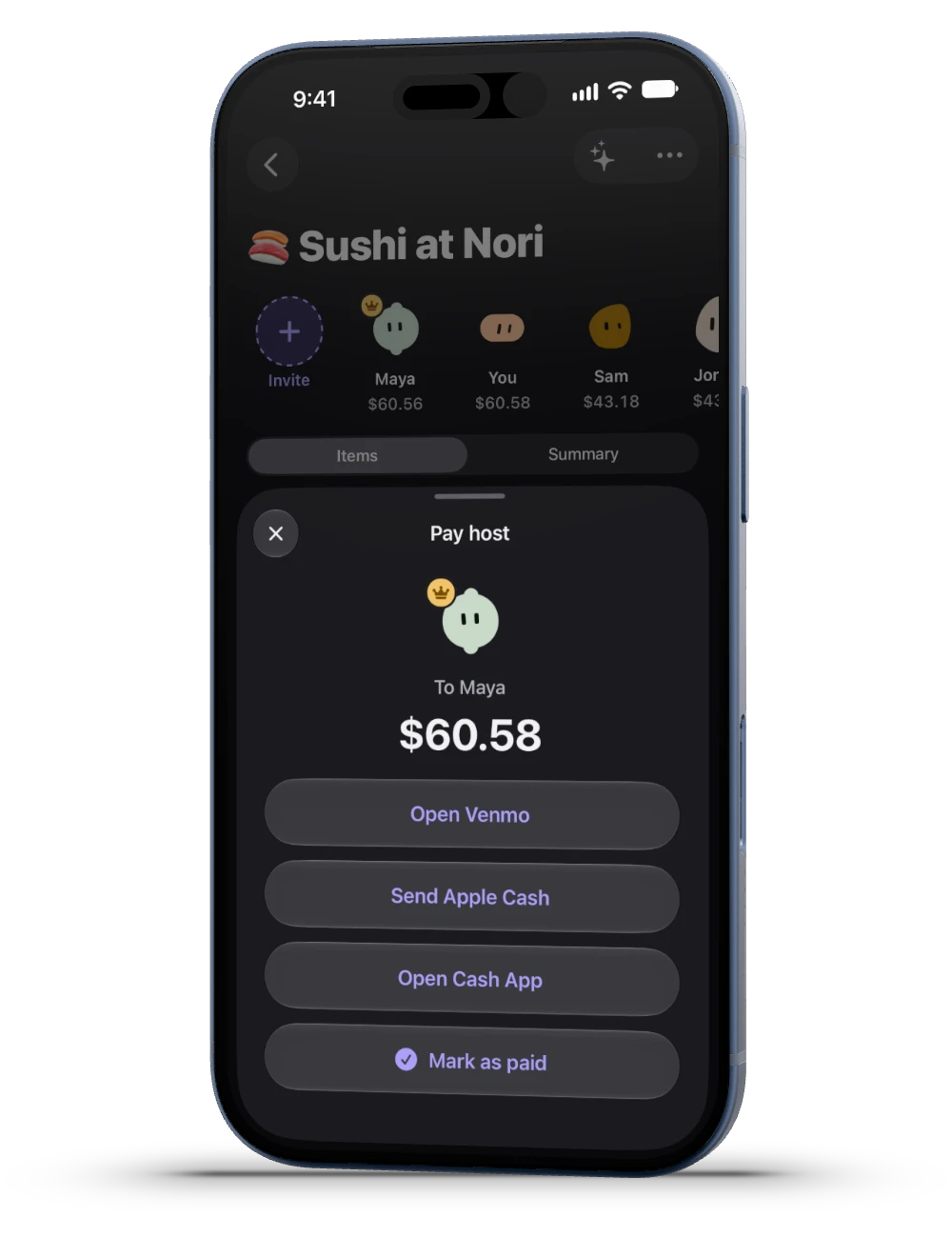
Open the link in a browser or the App Clip, tap your items, then pay the host. No account.