
Features
It works out who owes what. It never holds your money.
The bill
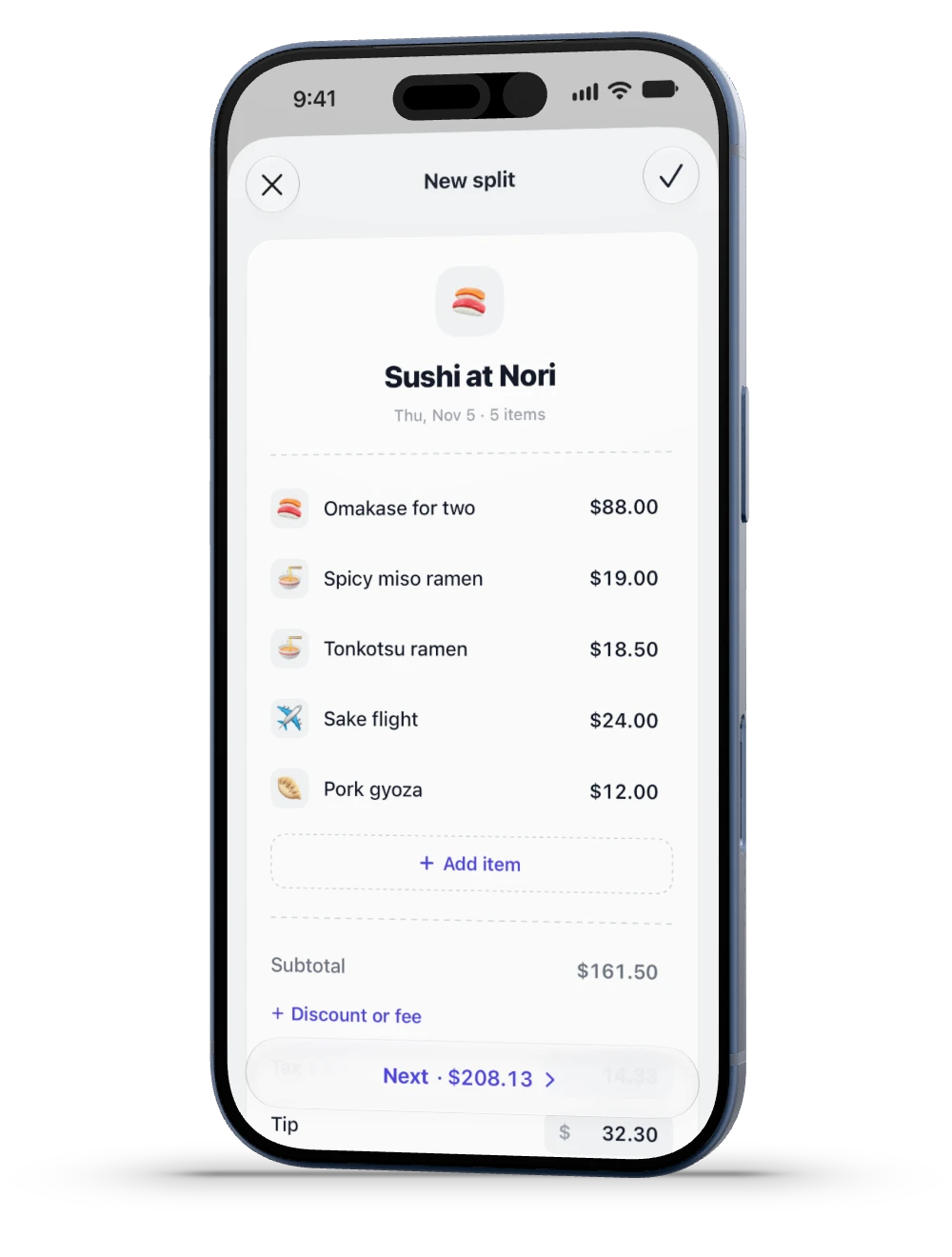
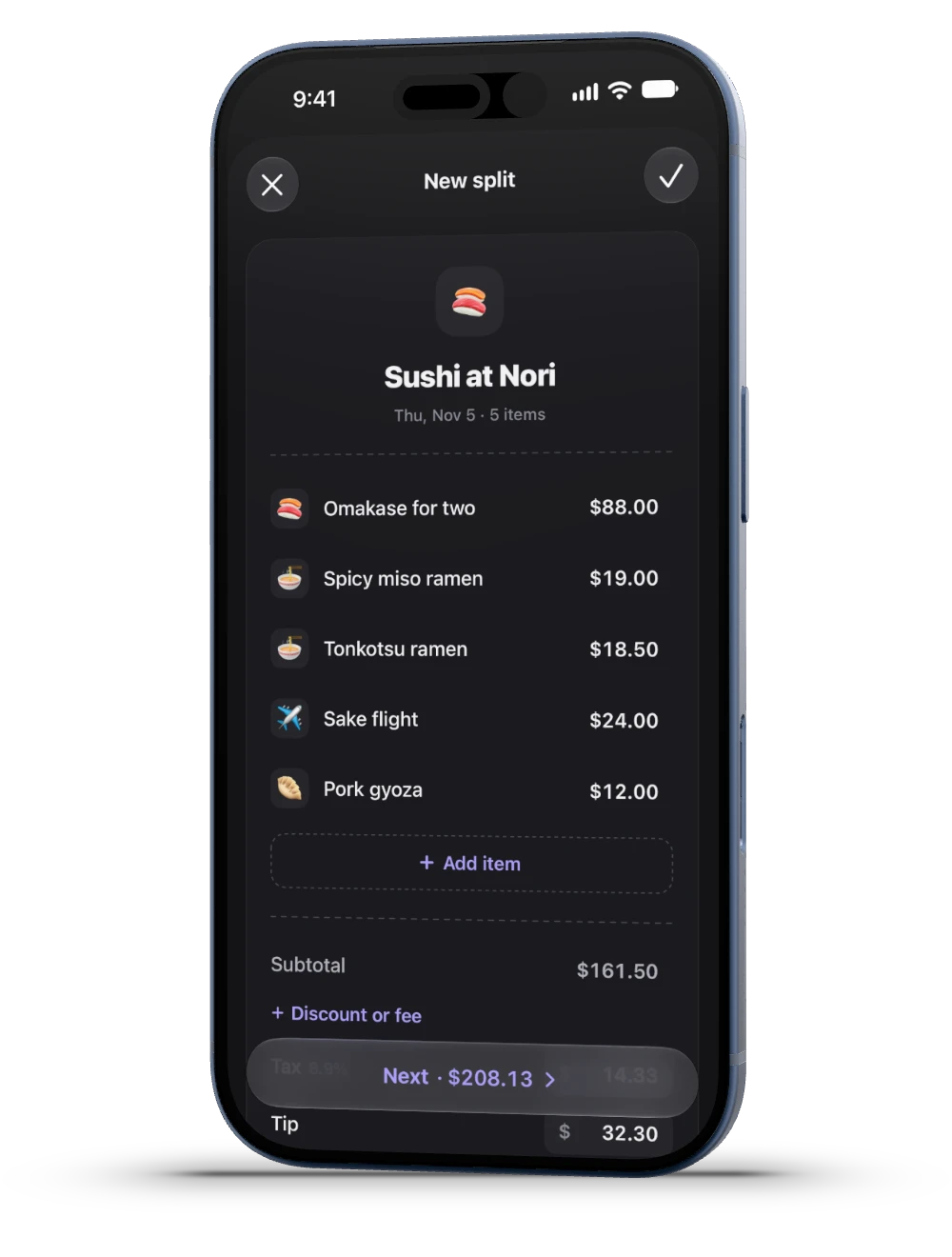
Type it or scan it
A photo fills in a draft. You review every amount.
Discounts and fees
Spread across items by price, so the deal is fair.
Twelve currencies
Each split keeps its own, with no conversion.
At the table




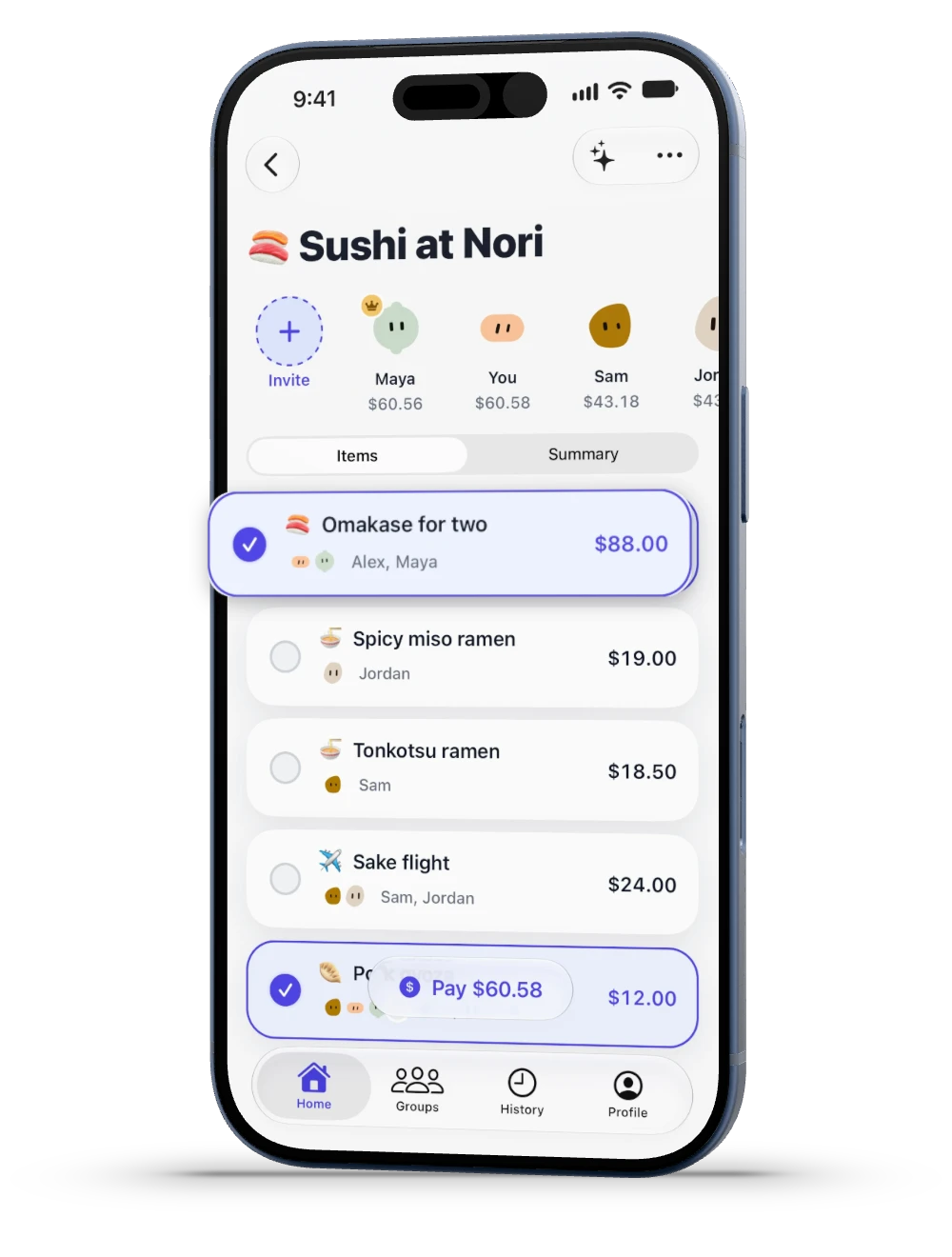
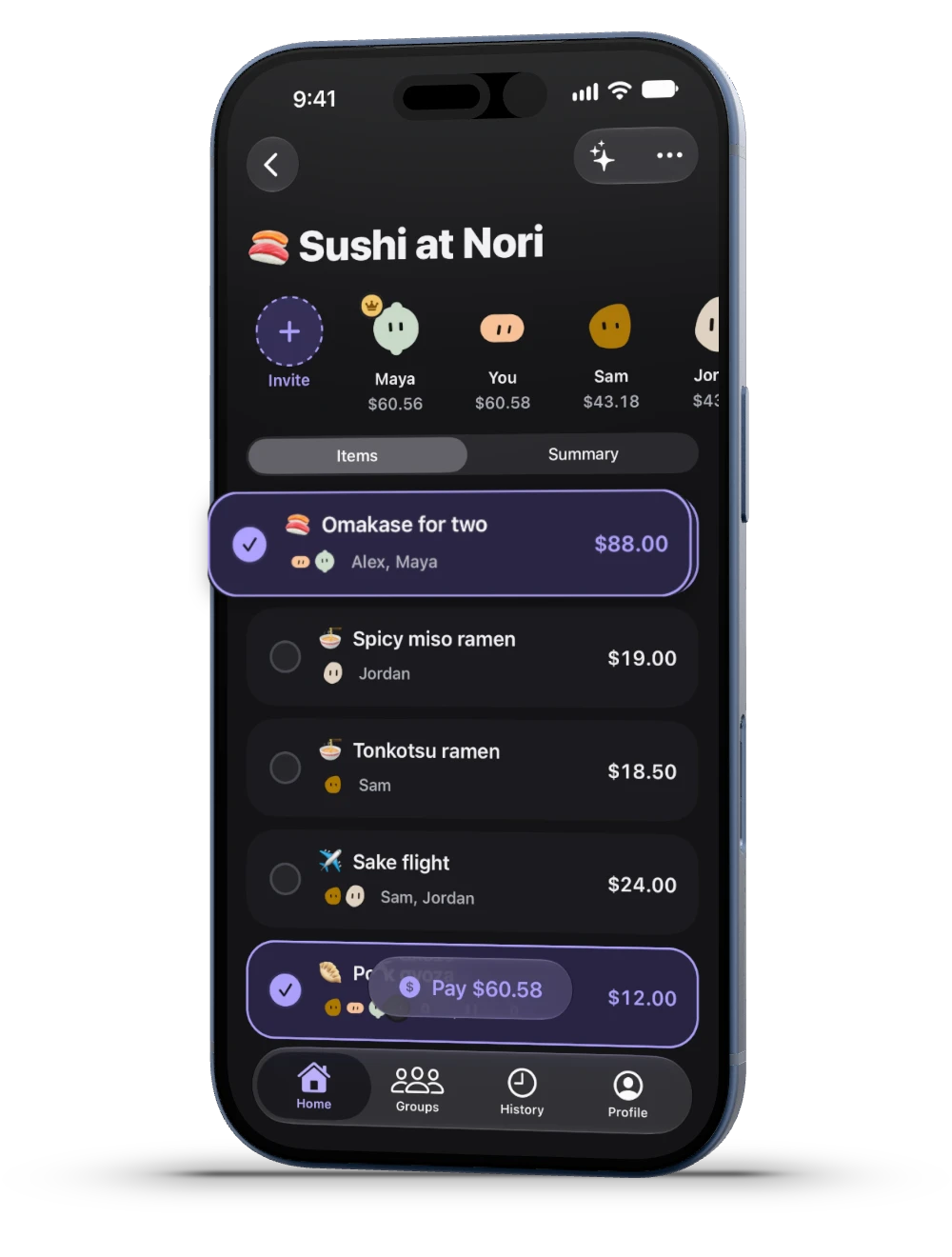
Join without the app
A browser or the App Clip is enough.
Tap what you had
Tap together and it splits equally.
Say what you had
Say your order, then confirm what it matched.
Birthday mode
They owe nothing. Everyone else covers it.
The maths
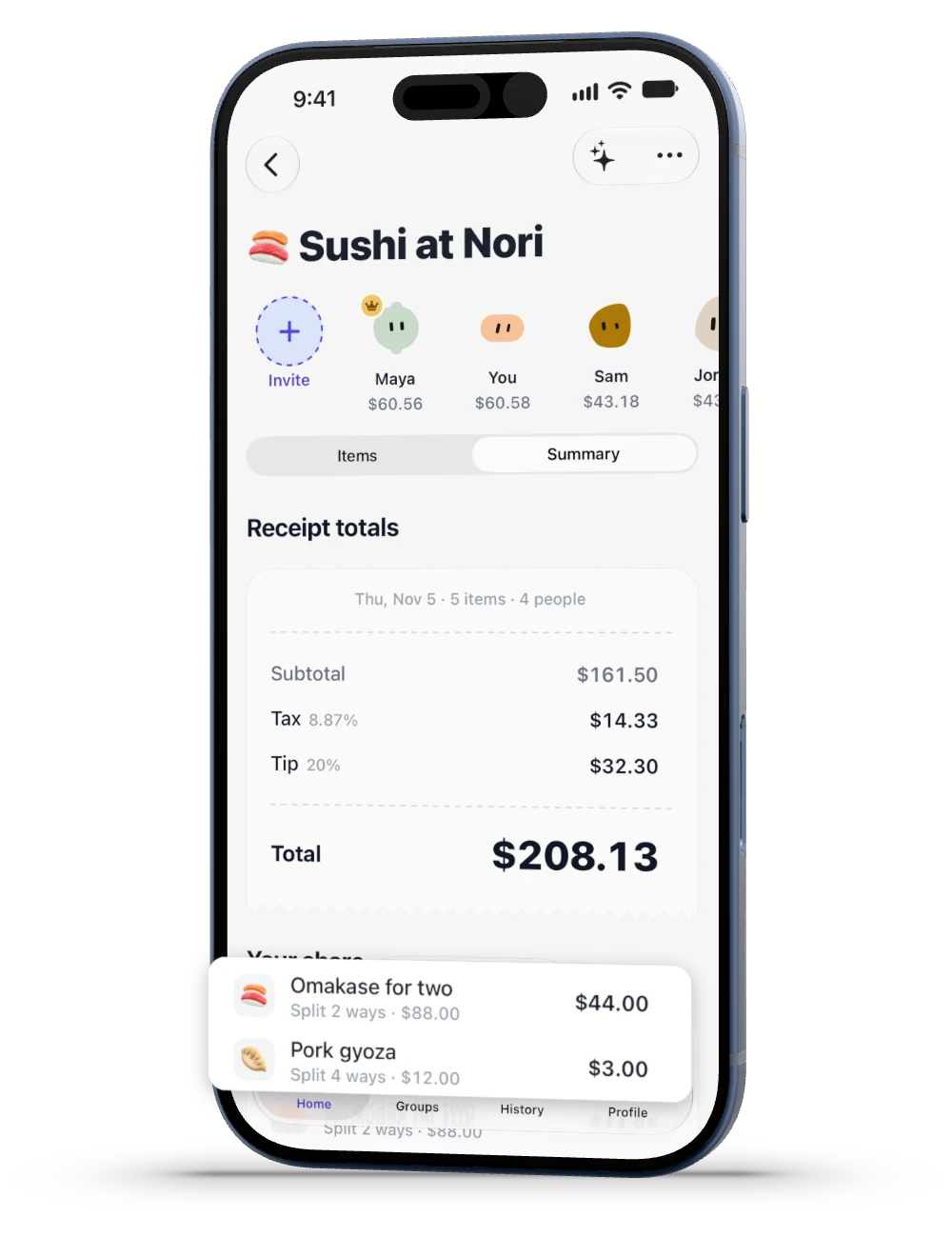
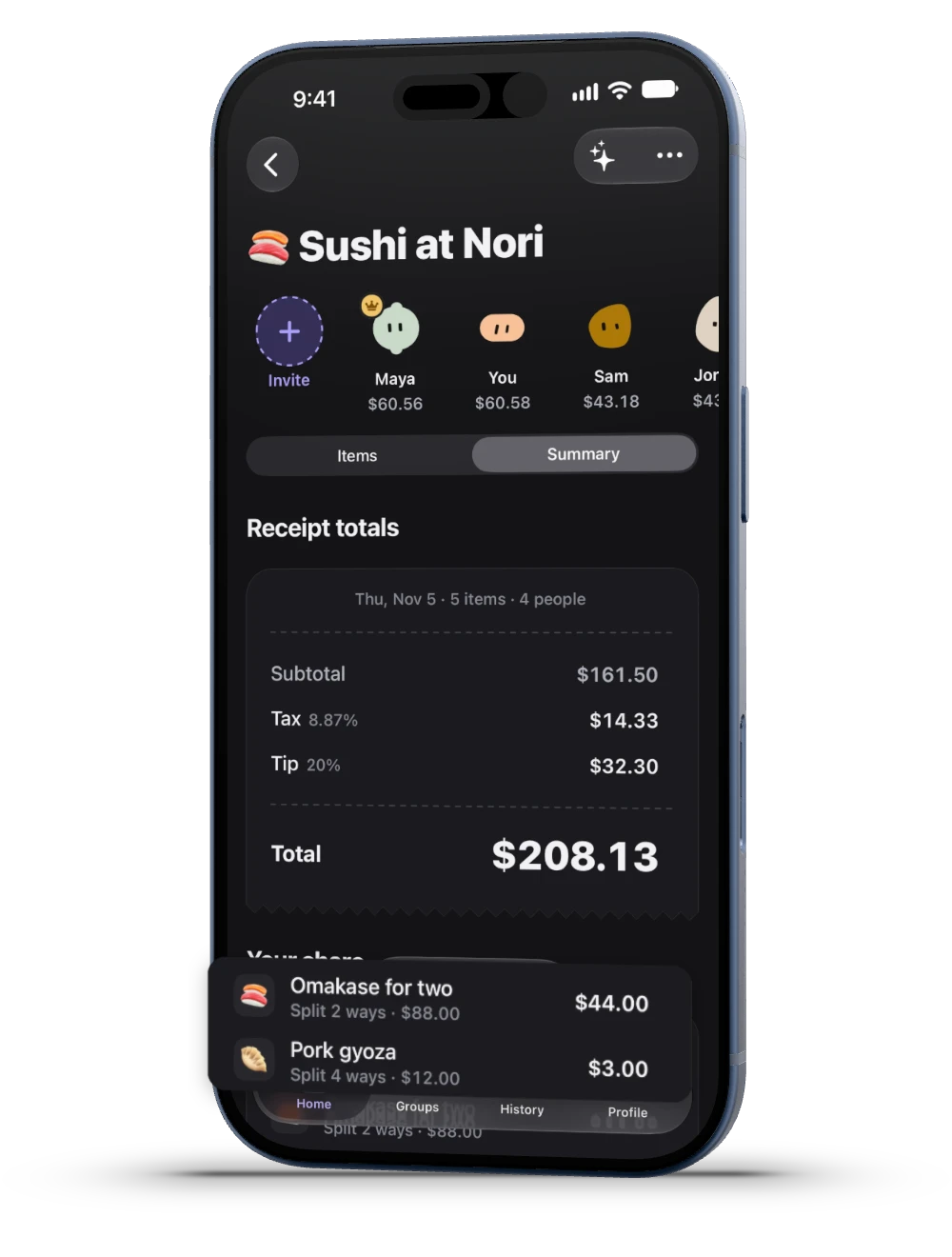
Tax and tip by the food
Open your share to see where each amount came from.
Tip rule
The $32.30 tip from the example bill.
Paying up
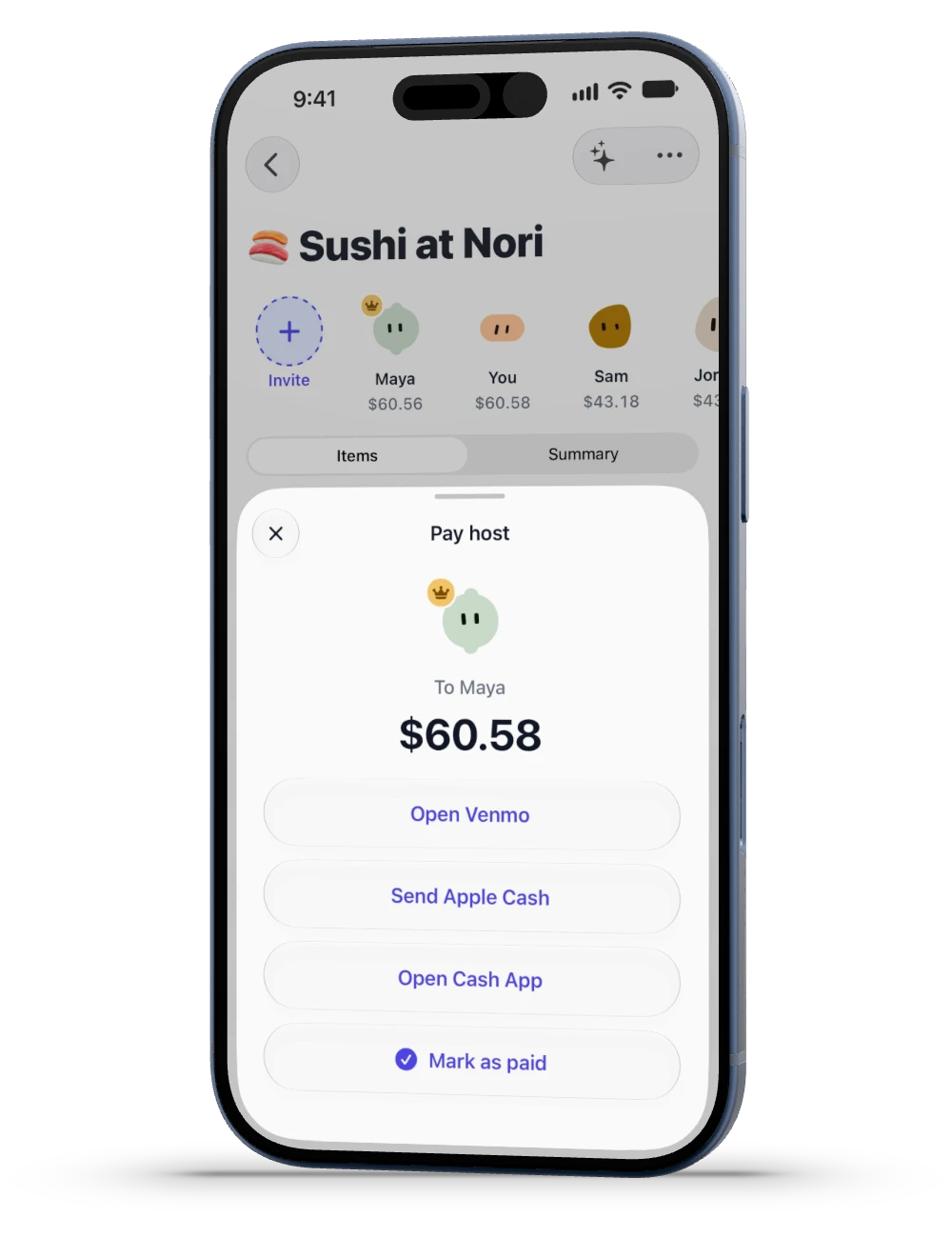
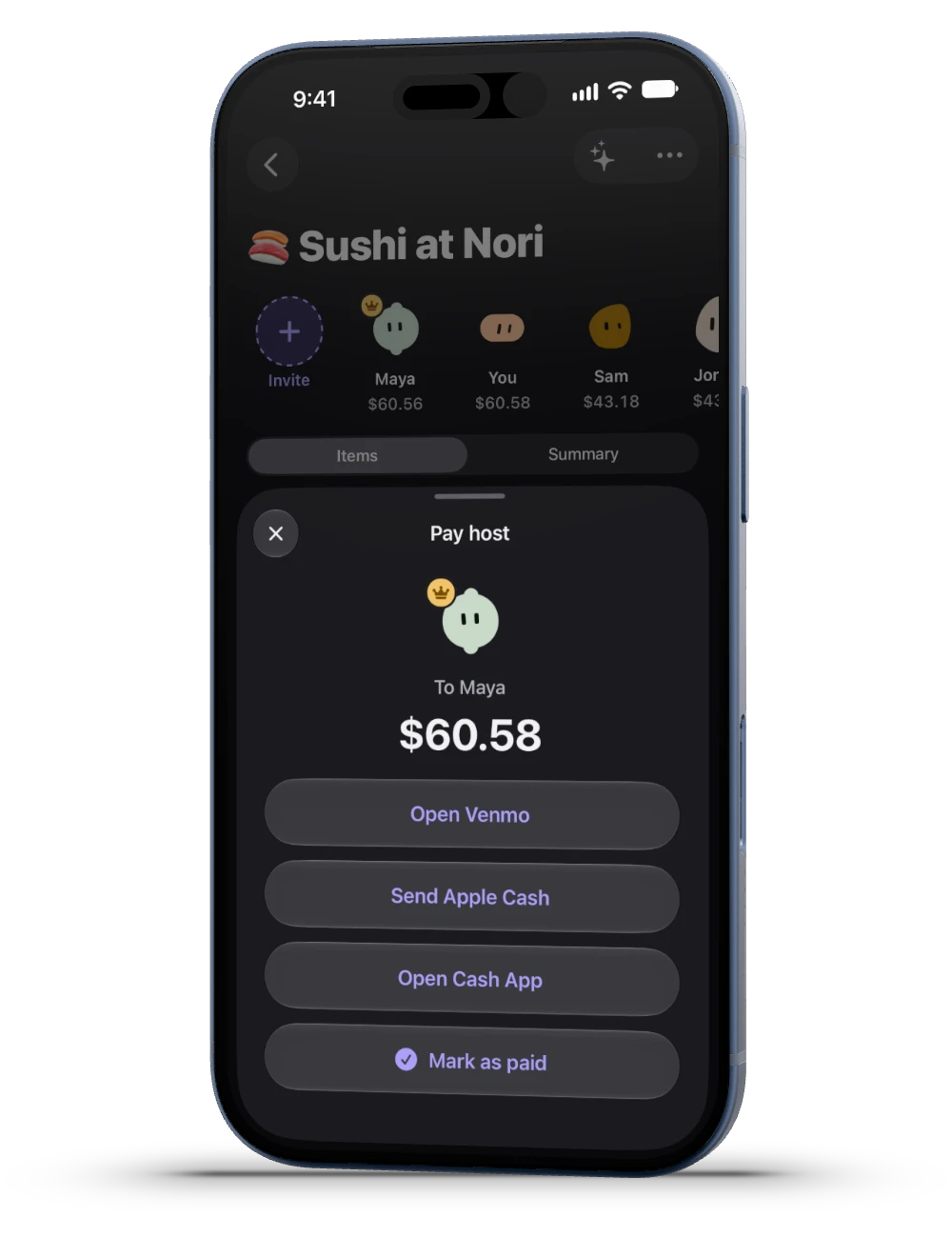
Venmo, Cash App, Apple Cash
They open from SplitMe, for US dollar splits.
Paid another way?
Mark it yourself. The host sees who has paid.
Your money stays yours
SplitMe doesn’t process payments or hold funds.
Groups
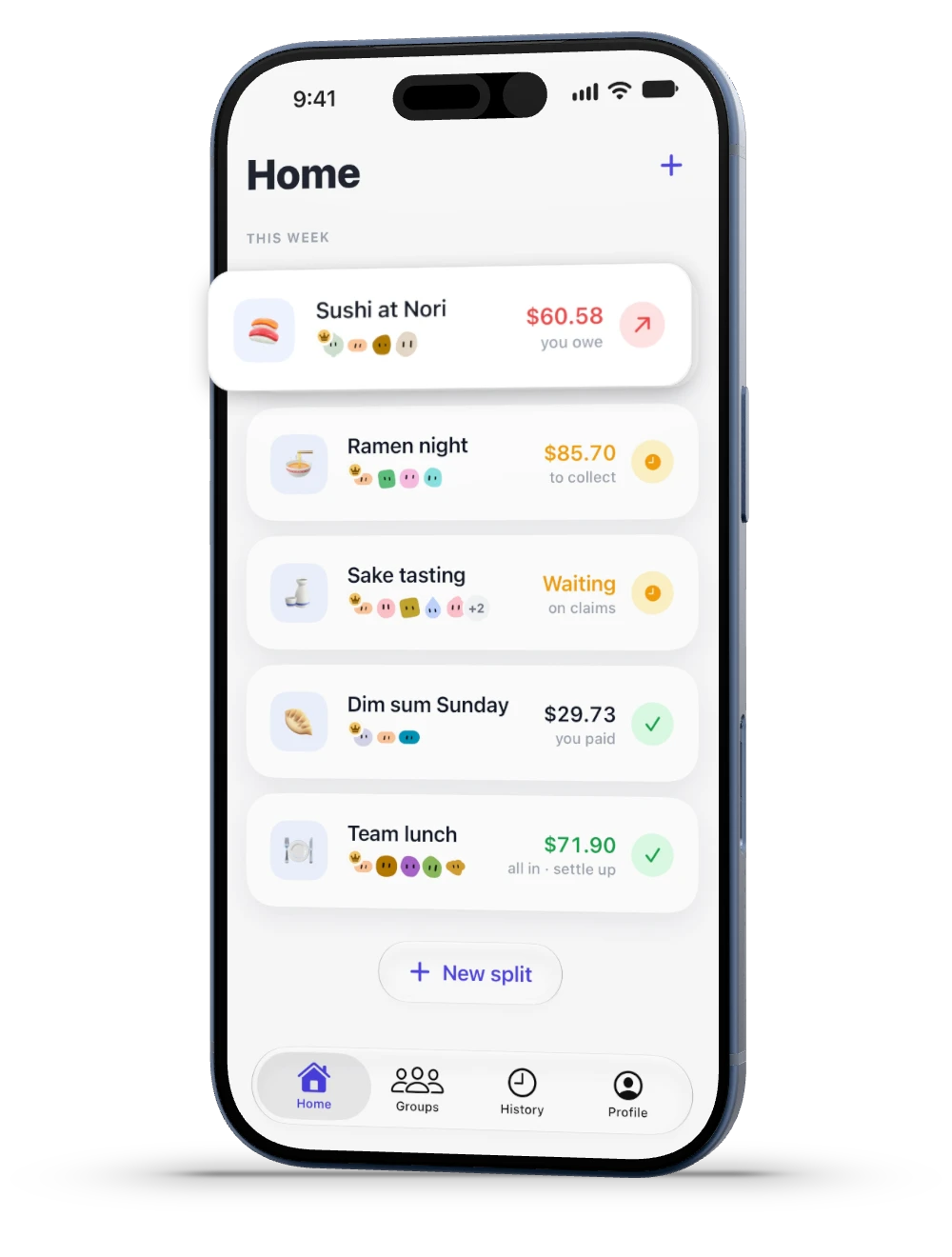
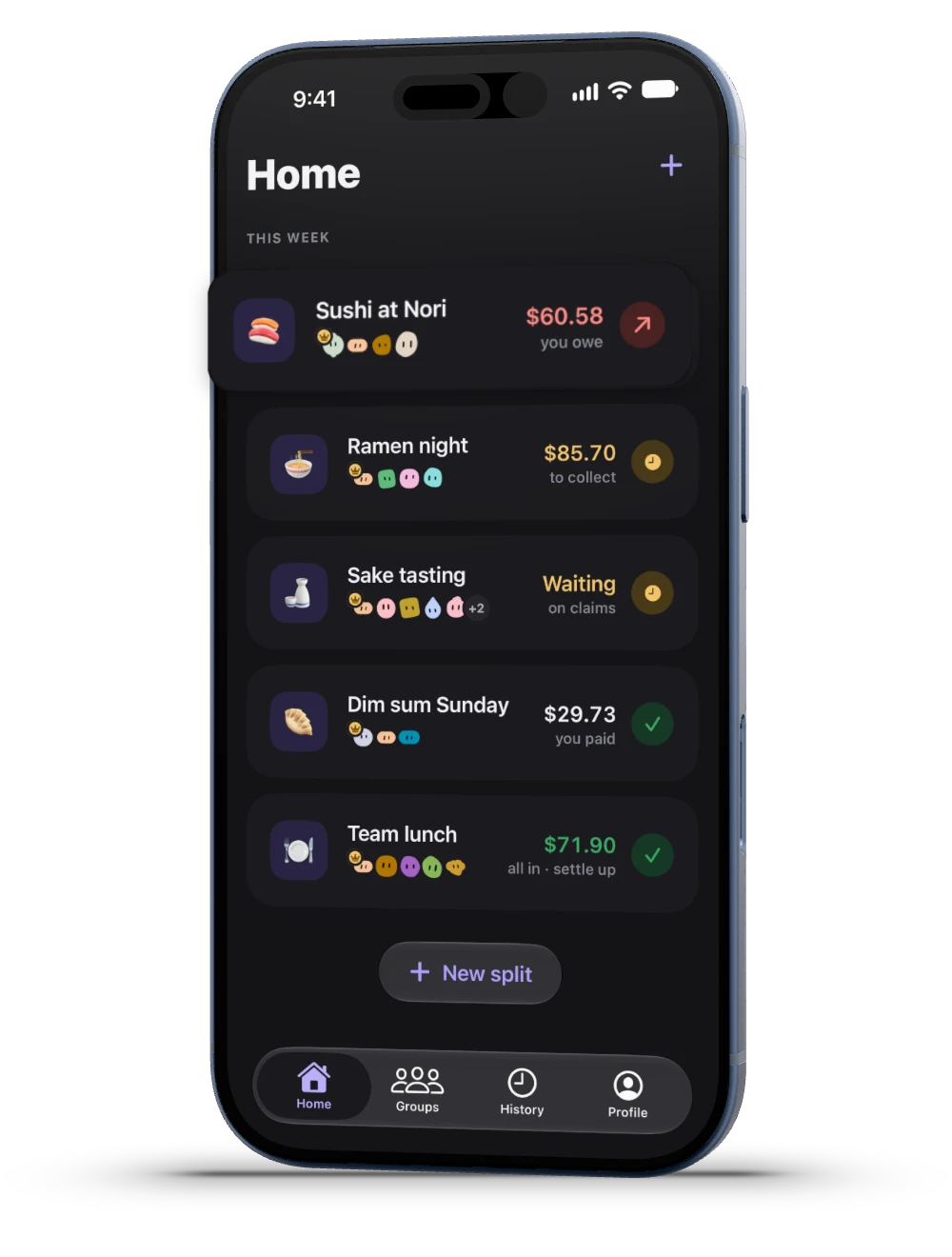
Trips, home, couples
Add expenses as they happen. Group invites need the app.
Settle up
See who pays whom, and record it as it’s paid.
Remind all
Nudge everyone who owes with one tap.